The tape captures and transfers digitised analogue memories, preserving them in a modern format for seamless playback and enduring nostalgia.
Preserving Media for the Digital Age.
Does the video above resemble what you think capturing a tape is? Well, why not read below about the professional tape-capturing services we are able to offer to you?
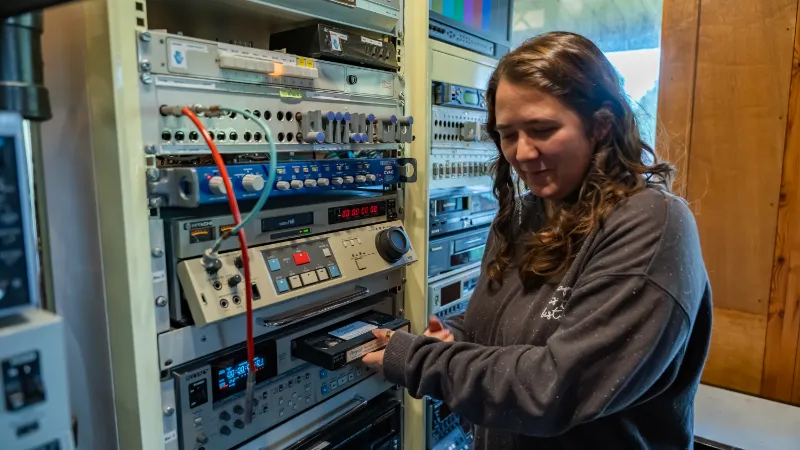
We can transfer most vintage PAL and NTSC tape formats to a digital tape or digital file. We have a good number of different machines and usually can find one that will play a tape in poor condition. Quite often there are tracking errors on recorded tapes so it is useful to have a choice of machines for that reason as well.
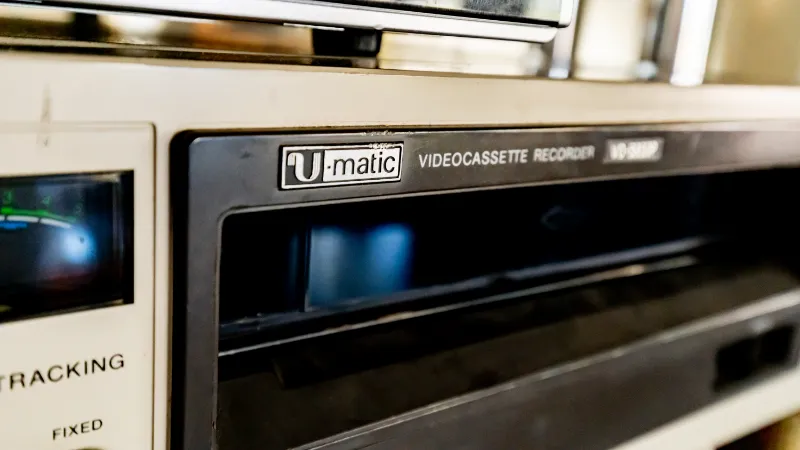
We cover all types of U-matic formats and have been fortunate to have sourced machines in good working order. Betacam also comes in a variety of analogue and digital formats and we can offer several playback machine options to cover Betacam, Betacam SP, digibeta and beta SX, in PAL and NTSC.
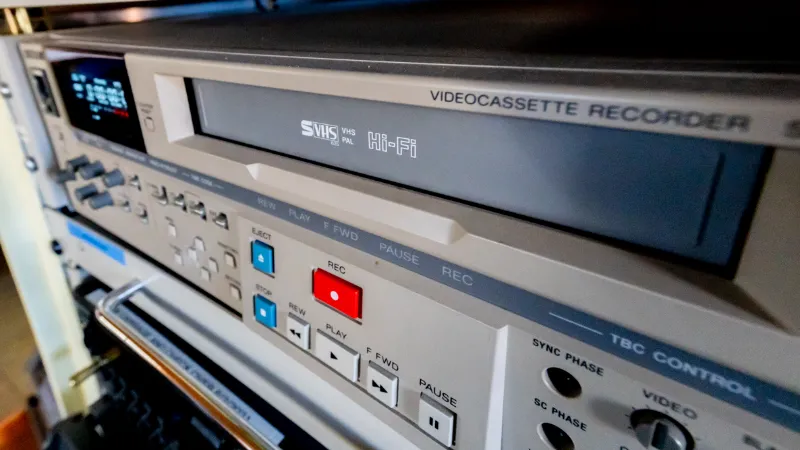
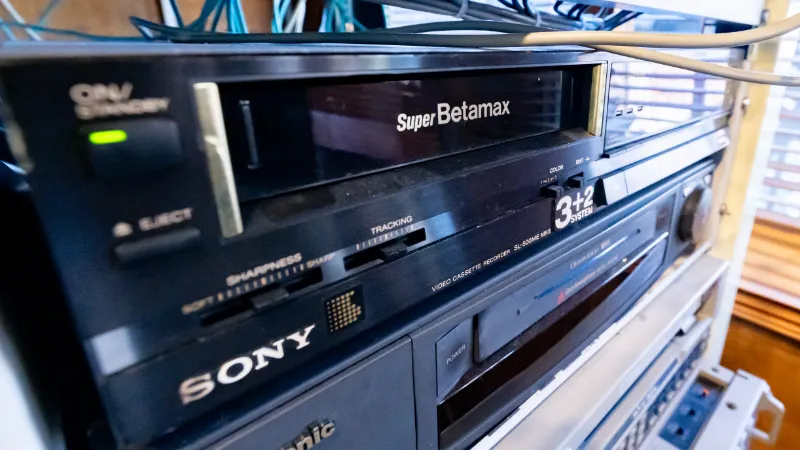
We regards to non-broadcast formats we offer transfer from Betamax, S-VHS (PAL and NTSC), and Hi 8. In fact we often have most trouble with these tapes. In part, because they are fragile and in part because of the way they are often stored. However, to date we have always managed to recover vital footage.
Our machines are maintained in first-class working order, at times it seems to me regardless of cost.
As well as physical issues with tapes, often the image quality and electronic stability are problematic. This is where timebase correctors are so helpful. We have several, all doing things a little differently. We can also convert NTSC to PAL, using proper NTSC video recorders and 4 field standards converters. These enhancements used wisely ensure that the image is as good as realistically possible. We do not charge extra for standards conversion.
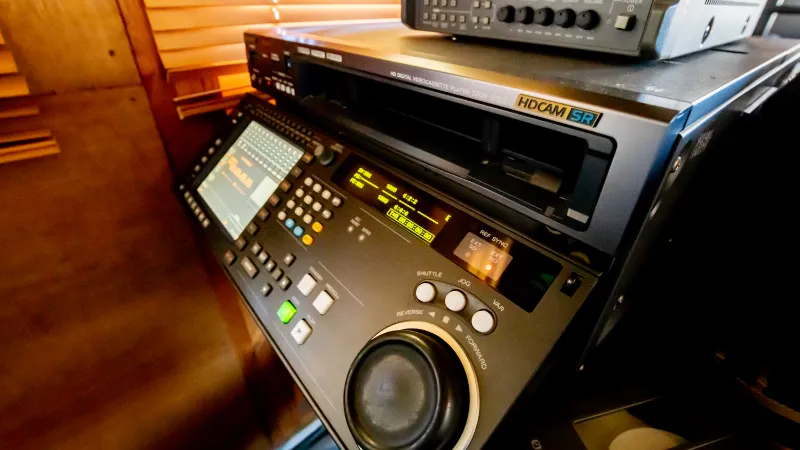
HDCAM SR Is a very high-end widescreen digital format. It is still widely used as a delivery format.
It is very useful to have a digital tape copy of your material. In addition to archiving, experience shows that play-in from analogue tape is more likely to be successful when done in this manner. We offer capture to digital files via Serial Digital Interface (SDI), as this usually offers the best quality.
There are almost limitless possibilities as far as which format to use, in general capturing in the format you propose to edit in makes most sense. Although you may want an uncompressed archive version to keep for future use. We always use waveform and vectorscope monitoring.
Video Capture Formats.
Video was first recorded with two fields (images) per frame, and this worked well on television. It is referred to as an interlaced recording. However, it is prone to flicker when the subject moves quickly, which is noticeable in digital transfers.
Progressive video image recording records each frame once and is more suitable for computing and flat-screen TVs that use a modern video (picture) display method.
This was all because of the way the phosphors (on the screen) are excited by the electron beam and then fade quickly in older Cathode Ray Tube (CRT) televisions. Whereas the images on flat screens don’t fade.
Progressive Segmented Frame recording is a neat way of effectively using two identical images per frame. This format has many advantages in terms of compatibility.
In addition to this detail about video capture, the number of frames per second and the amount of resolution can vary.
For standard definition, there are also different TV formats such as PAL, SECAM, and NTSC to consider. The video recording can be in a composite form, which combines all the visual information, or in a component form, which records aspects of the signal separately. In addition, this can also be digitised in different ways.
The File Container.
In computing, there are many types of files. Think of it as a box, which can be of different shapes, each with advantages and disadvantages, but the actual information is inside the box. These electronic containers have names such as AVI, MOV and MP4. Different computing systems have their own preferences. The computer reads the name on the box (the file type) and then knows how to open it with a certain programme.
What is Inside the Box?
Here you will find your video information, which may have been compressed to save space and make it easier for the computer to process. A codec (encoder and decoder) is a compression algorithm (program) that does all this. ProRes and H.265 are common video compression formats, but there are many others. Compression comes at the cost of data loss, and sometimes this is an important consideration.
What is the best format?
There is not just one correct or best way to approach digitisation. It all depends on the purpose. For professional and broadcast work, we recommend using an uncompressed format or at least a ‘lossless’ compressed format. If you need a smaller file with wide compatibility, H.265 is currently a good choice. MP4 is the preferred option, but it is not ideal as an editing source file.